Route Balancing: Share Work Across Your Fleet
Route balancing spreads work across drivers by time, distance, or stops. Learn how to choose a measure and balance routes whether you use the fewest vehicles or your pre-contracted vehicles.
 Nathan Cole||10 min read
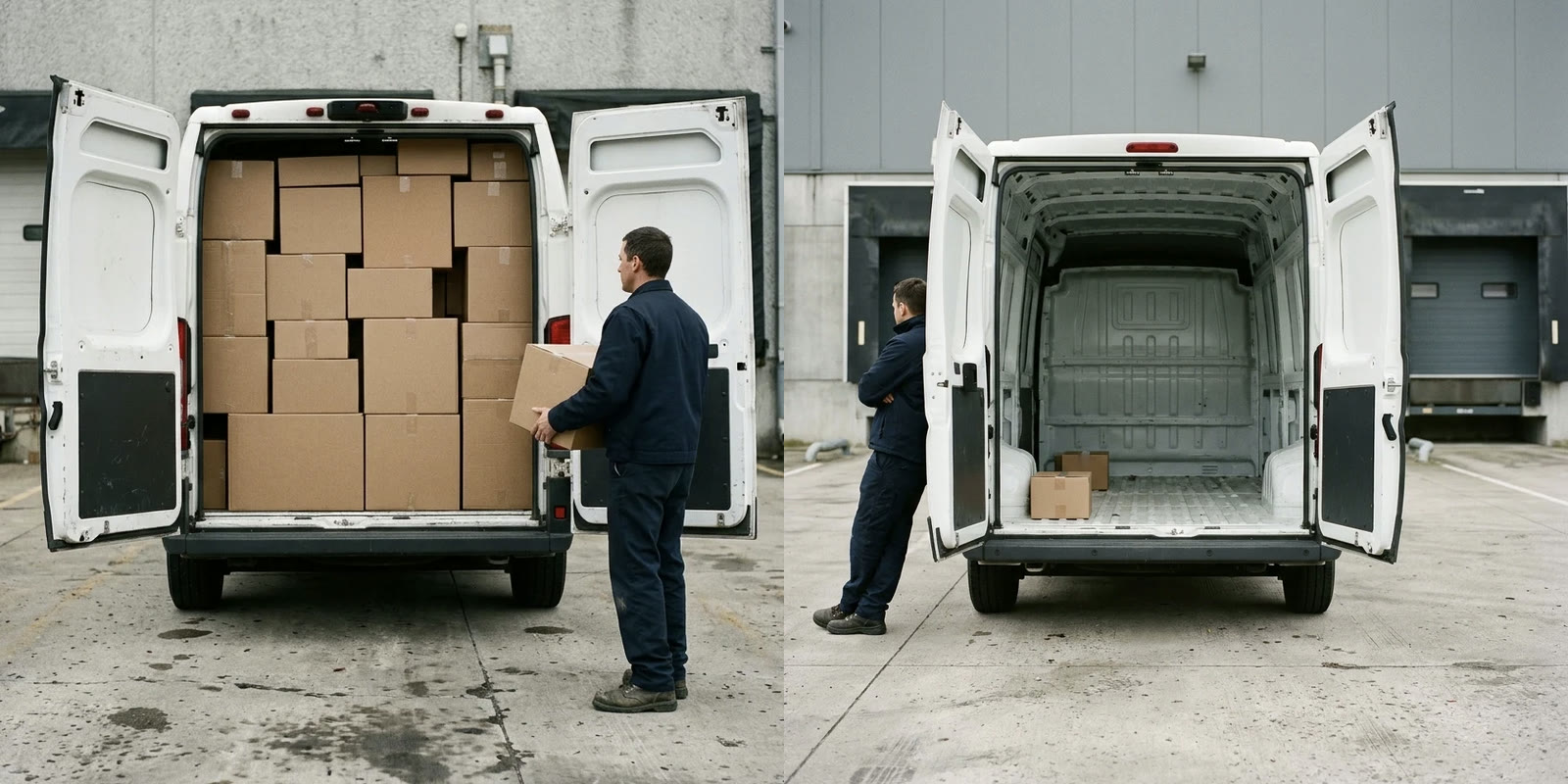
You are at the dispatch desk reviewing tomorrow's routes. One driver has work through the afternoon, while another will finish before lunch. Before moving stops between them, you need to decide what an even day's work means for this fleet.
Route balancing distributes work more evenly across vehicle routes using a chosen measure, such as working time or stop count. It adds a workload objective to route optimization, alongside the cost of completing the work.
The number of vehicles is a separate decision. You might want to use the fewest vehicles needed for the work, or you might need to send out your pre-contracted vehicles. That commitment may cover every available vehicle or a fixed number.
-
Choose the workload measure. Balance working time when the length of the driver's day matters. Use stops when visits take similar effort.
-
Account for pre-contracted vehicles. Requiring routes for the vehicles you have committed to use is separate from balancing their work.
-
Compare balance with cost. Review the longest routes and the total plan cost before accepting a more even distribution.
Choose what an even workload means
Choose the measure that reflects the pressure on your drivers. Equal stop counts can suit similar deliveries, while equal working time better reflects routes with different travel or service requirements.
| Measure | What you compare | When it is useful |
|---|---|---|
| Working time | Total route time, including driving, service, waiting, and breaks | You want more even lengths of working days |
| Driving time | Time behind the wheel | Driving accounts for the workload you want to share |
| Distance | Distance traveled on each route | You want to distribute planned mileage |
| Stops | Number of orders and pickup or delivery steps | Visits require similar effort |
Research by Matl, Hartl, and Vidal found that routes balanced for one workload measure generally balanced other measures poorly. Their study of alternative workload resources supports choosing the measure before judging whether a plan is fair.
Consider the constructed example below. The town route has shorter drives between stops than the country route, while service takes the same time at each stop. Equal stop counts leave the country driver with a longer day.
Balancing stops or working time.
Balancing working time moves more stops onto the town route. The unequal stop counts now reflect the difference in travel, so review the hours before deciding that the town driver has too much work.
Match the measure to the operation
Delivery fleets often benefit from balancing working time when unloading and access vary by customer. For example, a delivery to a receiving dock and a delivery carried upstairs can require different service times even when each counts as a stop.
For field service, enter realistic service durations before balancing routes. In an example involving inspections and installations, equal visit counts would overlook the longer appointments. Required skills and appointment windows also affect which technician can take each job.
Inspection workloads also need review as assignments change. Utah's Unified Fire Authority inspection memo describes revising inspection boundaries to balance workload across platoons.
Waste collection has a long-established reason to compare whole working days. The United States Environmental Protection Agency's collection efficiency guide recommends reasonably consistent collection and handling time across routes and identifies uneven crew workdays as a warning sign.
Unequal rounds become especially visible when crews go home after finishing their work. A Huntingdonshire District Council report on collection rounds describes how unbalanced rounds created unfairness under that arrangement.
Pay arrangements can change what drivers regard as fair. A Refrigerated Transporter account of driver incentives describes compensation based on cases, customer stops, and mileage. If earnings depend on assigned work, review earning opportunities alongside route duration.
Agree on the purpose with the people who dispatch and drive the routes. An even finish time and an even number of visits are different goals. Pay arrangements may call for a separate comparison of earning opportunities.
Decide how many vehicles must go out
Decide whether the optimizer may leave vehicles without routes before assessing the distribution of work. A balanced plan can still use fewer vehicles than you have available.
Using the fewest vehicles
Using the fewest vehicles can avoid the fixed cost of putting another vehicle on the road. Once the work fits within the available capacity and working hours, balancing can spread the workload across those routes.
Cost minimization and minimizing the number of vehicles are related objectives, but they are distinct. Vehicle prices and route geography can make another vehicle worthwhile, so a cost-based plan does not guarantee the fewest vehicles.
This approach suits an operation where vehicles without routes can stay at the depot. You balance the drivers assigned to the day's work.
School bus routing provides a documented example of that order of priorities. Lewis and colleagues' school bus routing research prioritizes the fewest buses, then favors a smaller difference between the longest and shortest routes when comparing otherwise equal solutions.
Using pre-contracted vehicles
Using pre-contracted vehicles means assigning routes to the vehicles you have already committed to use. Your commitment may cover every vehicle in the plan or a fixed number, even when fewer would complete the deliveries more cheaply.
Guaranteed daily hours can make spreading the work across scheduled drivers worthwhile. A Canadian Coca-Cola Bottling Company and Teamsters Local 213 agreement for 2005 to 2008 guaranteed 8 hours each day to employees who began work at the start of their shift. For an operation with such a commitment, compare the cost of sharing the work with the hours already guaranteed.
Pre-contracted vehicles can also carry costs while parked. A Greenhouse Grower article on dedicated contract carriage describes minimum charges even when the truck stays in the yard. That charge alone does not require dispatch, but it changes the savings you should expect from leaving a vehicle without a route.
Requiring the pre-contracted vehicles to work establishes participation. Balancing then determines how evenly the optimizer shares the workload.
Without that second objective, a cost-based plan may give a pre-contracted vehicle only a short route. The vehicle has work, but the distribution still leaves another driver with most of the day.
See both decisions in the same plan
Routing24 is a browser-based route planner with separate controls for balancing and vehicle use. Its route balancing tutorial documentation describes a plan with 12 orders of 2 units each and 30 minutes of service per order.
The expanded tutorial makes four vans available, each with capacity for 20 units. The orders total 24 units, so the load requires more than one van in this plan.
The following drawing shows measured Routing24 results for that tutorial. For the example, treat the four available vans as pre-contracted vehicles.
Read across to see the effect of balancing working time. Read down to see the effect of requiring the pre-contracted vehicles to work.
Vehicle use and route balancing.
In the cheapest plan, the optimizer fills the van with the lower hourly cost to capacity. Balancing redistributes the orders between the vehicles with routes while leaving the other vehicles without routes.
Requiring the pre-contracted vehicles to work produces a different change. The unbalanced result gives most orders to one van and a small amount of work to each remaining van. Combining both choices produces a much more even distribution across the fleet.
The cost percentages in the drawing compare each result with the cheapest result for this same tutorial. They describe these measured runs, rather than an expected price for balancing your own routes.
Inspect the routes and compare their working time before and after balancing.
Uses Route balancing.Compare using the fewest vehicles with using the pre-contracted vehicles. Change the vehicle allocation and balancing settings to inspect how each decision affects the routes.
Uses Route balancing.Set up route balancing in Routing24
Routing24 provides route balancing as a Pro feature, and Pro features work in full during the 14-day trial of every new account.
Open the Optimize page, then Settings, and find Route balancing. Set Balance by to the measure you chose:
- Working time uses the whole route duration.
- Driving time uses time spent driving.
- Distance uses route distance.
- Stops uses the count of orders and pickup or delivery steps.
- Off selects cost-based planning without a balancing objective.
Set the priority of balancing with Strength. Start with Normal, the default, and inspect the result before changing the priority.
Loose allows larger differences between routes. Strict gives the optimizer the strongest preference for reducing those differences, which can increase total distance and time.
Set vehicle use
If every vehicle in the plan is pre-contracted and must work, enable Require all vehicles in the same settings. Keep the balancing measure selected so that the optimizer also spreads the work across the routes.
If only particular vehicles are pre-contracted and must work, open each vehicle's editor on the Fleet page. In its Route balancing group, select Required.
For interchangeable vehicles represented by a vehicle type, choose the allocation that matches your commitment:
- Available count records how many vehicles of that type are available.
- Required count specifies the exact number that must work.
- Required requires every available vehicle of that type.
Group comparable vehicles
If different parts of your fleet need different balancing rules, create groups. For example, you might balance service technicians by working time and a separate delivery team by stops.
In the vehicle editor, give vehicles that should be compared the same Balance group value. Back in the plan settings, set Balance to By balance group, then choose the balancing rule for each group.
Compare drivers with similar responsibilities within each group. A specialist route may have a different purpose from the general delivery rounds around it.
Account for different shift lengths
Equal route hours can place different demands on drivers with different shift lengths. When part-time and full-time drivers work together, compare the share of each driver's available time.
The constructed example below allocates the work in proportion to the shifts. Each driver receives the same percentage of available time, while the driver with the longer shift receives more hours of work.
Work as a share of each shift.
For this approach in Routing24, open Advanced within Route balancing and enable Balance by utilization of each vehicle's limit. The optimizer then compares percentages of the relevant vehicle limit.
With Working time, the relevant limit is Max duration. Set that limit on every vehicle being balanced, using the shift and route limit settings.
The same approach supports other measures. The corresponding limits are Driving time budget for Driving time, Max distance for Distance, and Max stops for Stops.
Check what better balance costs
Compare the improvement in workload distribution with the additional operating cost. A small adjustment may relieve the longest route, while forcing closer equality may require less efficient travel.
In a study of 60 small routing instances, the difference between the longest and shortest tours fell by around 40% on average while total cost rose by around 2%. These are research results from Matl, Hartl, and Vidal's workload equity survey, so use your own routes to establish the tradeoff for your operation.
Working time also needs a closer look when customers have time windows. Waiting contributes to route duration, so equal hours can conceal a difference in productive work.
When vehicles have no Cost per hour, waiting adds duration without adding time cost. The optimizer can improve the working-time balance by scheduling earlier arrivals and more waiting. Set Cost per hour to reflect the vehicle's time cost, then inspect the waiting on each route.
Review the finished plan with these questions:
- Does the longest route fit the driver's available working time?
- Has work moved between routes, or has waiting increased?
- Does the plan assign routes to the pre-contracted vehicles you must use?
- Is the improvement worth the change in total cost?
- Do any orders remain unassigned?
Routing24's balancing results show each route's signed percentage deviation from its group's average. The IMBALANCE metric summarizes the average deviation across balanced routes.
Use those figures to compare plans with the same balancing measure. Keep the route durations and costs beside them, so an improvement in the percentage has a clear operational meaning.
FAQ
What is route balancing?
Route balancing spreads a chosen measure of work more evenly across vehicle routes. Common measures include working time and stop count.
The aim is to reduce workload differences while completing the work within the plan's constraints.
Is it better to balance stops or working time?
Use stops when visits involve similar effort and travel. Use working time when differences in driving or service duration materially affect the driver's day.
Accurate service durations matter because the planner needs those times to compare the work.
Does route balancing put every pre-contracted vehicle to work?
No. Balancing and vehicle allocation are separate decisions.
In Routing24, Balance by chooses the workload measure. Require all vehicles requires every vehicle in the plan to work, while Required count specifies how many vehicles of a type must work.
Why can balanced routes still have different durations?
Balancing follows the selected measure, so routes balanced by stops can have different durations. Even when balancing working time, customer time windows and vehicle eligibility can limit how the optimizer redistributes orders.
In Routing24, Strength also determines how much priority the optimizer gives to reducing differences.
How do I balance routes for drivers with different shifts?
Balance the percentage of each driver's available time. This gives a shorter-shift driver proportionally less work.
In Routing24, use Working time with Balance by utilization of each vehicle's limit, and set Max duration for every vehicle in the comparison.
Does route balancing always cost more?
The cost depends on the orders and the available vehicles. Balancing adds another objective, and meeting that objective may require a more expensive allocation or more travel.
Compare a cost-based plan with a balanced plan using the same work and constraints. Assess the workload improvement alongside the resulting cost.
The takeaway
Choose what you need to share evenly, then decide which vehicles must work. Balance routes when using the fewest vehicles, or require your pre-contracted vehicles to work and balance their routes.
Before dispatch, compare the longest route with the total plan cost and inspect any waiting. Approve the plan when the workload distribution fits your drivers and the cost fits the operation.
Keep reading
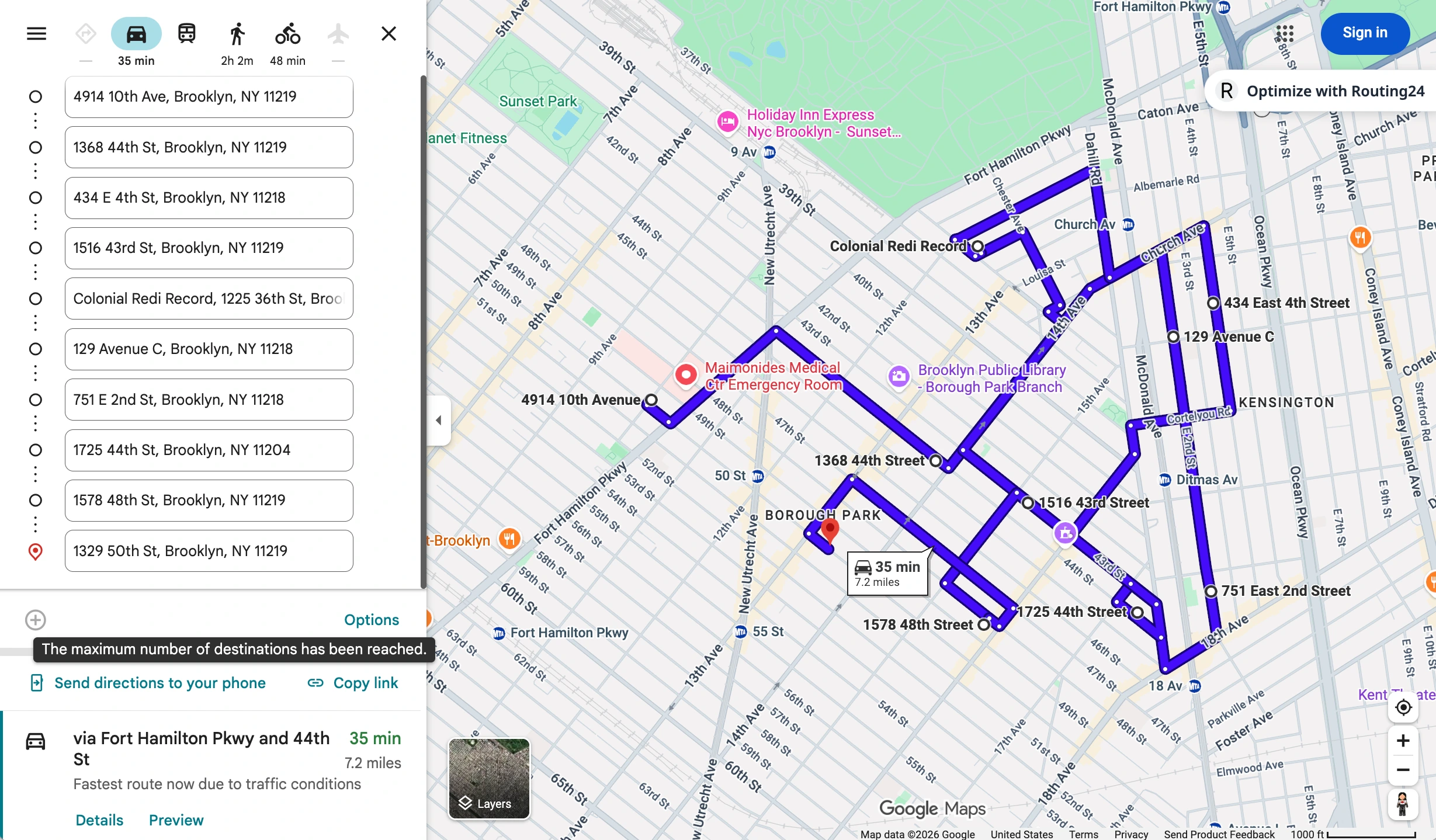
Google Maps Route Optimization: How to Optimize More Than 10 Stops
The 10-stop-per-route limit in Google Maps explained, a free way to overcome it, and how to automatically rearrange your addresses to save time and distance.

Pickup and Delivery Routing: Six Ways Goods Move and How Long They Stay on Board
Goods are loaded at the depot, returned to it, carried from one customer to another, delivered along a fixed run, or collected at one of several addresses. What each pattern requires from a route optimizer, and why time on board is a limit of its own.
AI Route Optimization: What Is Real in 2026
A plain-language guide to artificial intelligence in route planning, the optimization behind the label, and how you divide the work with an optimizer and an assistant.